AI Product Marketing Workflows: 7 Systems You Can Copy
Seven working AI workflows for product marketing, five published with full build notes. Real systems that replace PMM busywork, not another list of use cases.
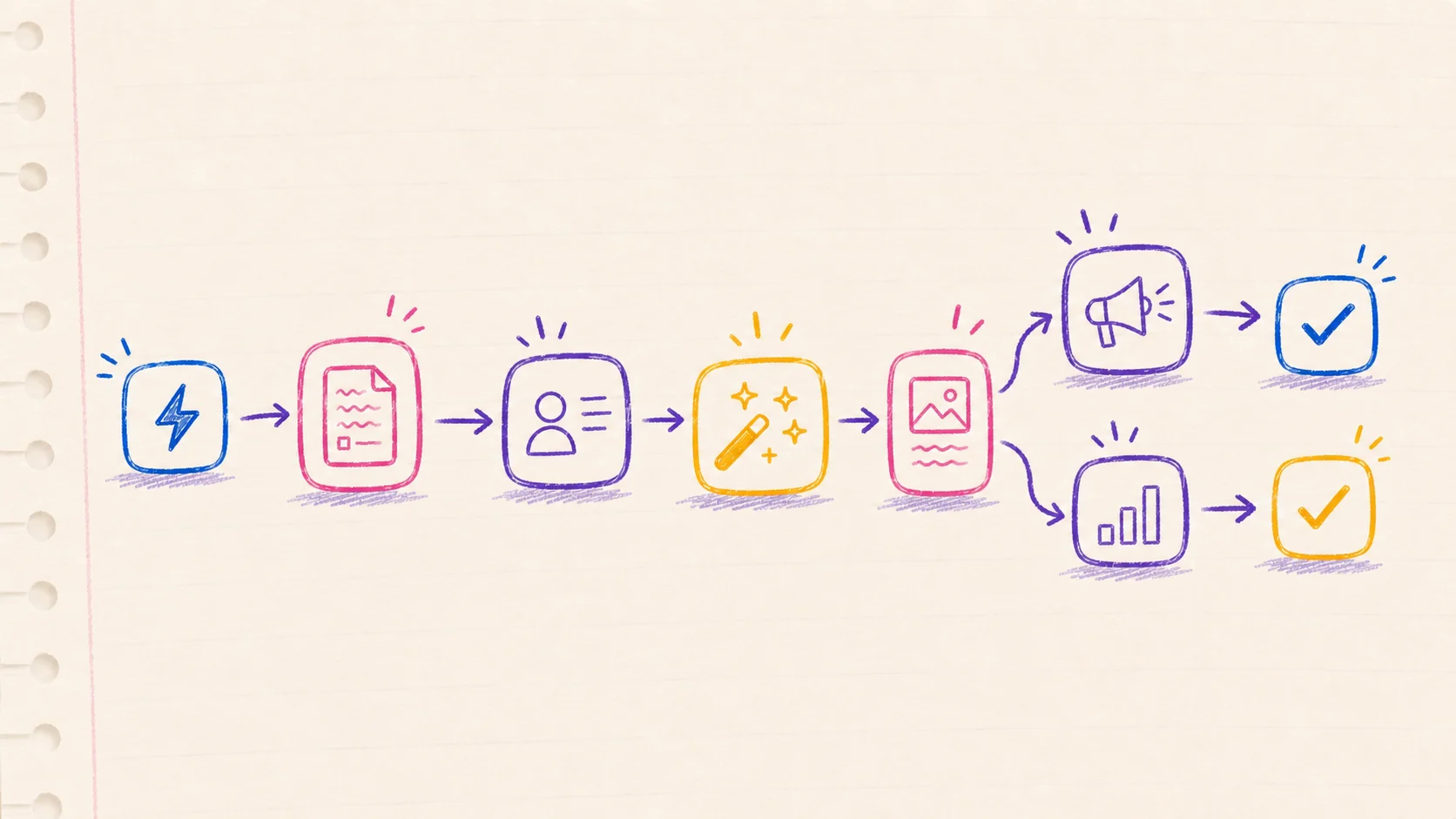
Search for AI product marketing workflows and you get lists of use cases. "Use AI for competitive intelligence." "Use AI for content drafts." Fine, but a use case is not a workflow. A workflow has a trigger, a series of steps, an output that lands somewhere useful, and a reason to trust it next week without babysitting it.
This post is the second kind of list. Seven AI product marketing workflows that run as real systems. Five of them are published on this site with full build notes, so you can inspect the actual nodes and prompts instead of taking my word for it.
One framing note before the list. In our 2026 report on product marketing, the core argument is that AI collapsed the cost of producing PMM artifacts, so the value moved to judgment: what to say, to whom, and whether the claim survives contact with a skeptical buyer. Every workflow here automates production or monitoring. None of them automate judgment. That is the design principle, not a limitation.
1. A release-note watcher that briefs you instead of a backlog
What it replaces: the competitor-and-ecosystem tab hoarding that every PMM does and none of us finishes.
The system watches a product's release feed, decides which updates actually matter, and writes a short PMM-ready summary into Airtable: what changed, who it affects, and what it might mean for positioning. Low-signal updates get filed without a summary, so the table stays readable.
The stack is n8n for orchestration, Gemini for the relevance call and the summary, and Airtable as the memory. The interesting part is the two-step prompt design: the model first classifies whether an update is strategically relevant before it is allowed to spend tokens summarizing it. That one decision keeps the output trustworthy.
I published the entire build, including the prompts and the workflow JSON, in the release-note intelligence workbook. Point it at a competitor's changelog instead of a partner's and it becomes a competitive intelligence feed.
2. Blog post in, sales one-pager out
What it replaces: the "can you make a slide about this?" request that eats an afternoon.
Paste a URL into a Google Sheet, click one button, and a script fetches the post, has Gemini extract the pitch-relevant claims, and writes a formatted one-slide brief into Google Slides. Sales gets something they can forward. You get your afternoon back.
No paid tools involved beyond the Gemini API: Sheets, Slides, and Apps Script do all the work. The full script and setup are in the blog-post-to-sales-slide build.
The general pattern matters more than the specific input. Any long asset you already produce, a webinar transcript, a case study, a release announcement, can feed the same pipeline and come out the other end as an enablement artifact.
3. A monthly AI visibility check on your own category
What it replaces: guessing what ChatGPT and Perplexity tell buyers about you.
Our report found that 51% of B2B buyers now start product research in an AI chatbot rather than a search engine, and a third bought from a vendor they had never heard of before an AI surfaced it. If that is where shortlists form, you need to know what the machines say when someone asks "best tools for X" or "alternatives to Y" in your category.
The workflow is deliberately simple. A fixed set of eight to twelve buyer-shaped prompts, run monthly against the two or three engines your buyers actually use, with the answers logged to a spreadsheet: were you mentioned, in what position, with what description, citing which source. The first run takes an hour and usually produces at least one unpleasant surprise, like a competitor owning a comparison you never wrote or the model describing your product with three-year-old messaging.
Start manual. Automate only after the prompt set stabilizes, because the prompts are the judgment part. The mechanics of why mentions and citations move, and what actually improves them, are covered in the AEO chapter of the report, which you can read free on that page.
4. An enrichment waterfall you own, for segmentation that holds up
What it replaces: paying platform markup for data your segmentation depends on.
Good positioning work keeps running into the same operational wall: you cannot message by segment if you cannot reliably tell which segment an account is in. Enrichment platforms solve that, at retail prices. When we tore the economics apart, the markup on passthrough data came out around 25x for some providers.
The alternative is a waterfall you own: n8n calls the underlying data providers directly, in order of cost, and stops at the first confident answer. Same enrichment quality, a fraction of the price, and every step is inspectable. The provider-by-provider comparison and the build are in the Clay data markup teardown.
This one is worth building even if the savings alone do not move you, because owning the waterfall means owning the logic of how your company defines a qualified account. That logic is positioning, expressed as data.
5. Asset hygiene that happens without anyone doing it
What it replaces: the folder full of Screenshot 2026-07-12 at 14.03.11.png.
Small, unglamorous, and the best first workflow if you have never built one. A file lands in a Drive folder, n8n notices, Gemini looks at the image and writes a clean descriptive filename, and the file gets renamed in place. Launch assets stop being archaeology.
The build takes under an hour and is documented in the auto-rename images workflow. There is also a local Mac version using Folder Actions and Python if you would rather not run n8n.
I keep recommending this as a starting point for a reason: it teaches the full trigger, model, action loop on a problem where a wrong answer costs nothing. Build trust in the pattern on filenames before you point it at customer-facing work.
6. Model routing, so you stop paying frontier prices for routine work
What it replaces: running every task through the most expensive model by default.
Once a few workflows exist, model cost becomes a real line item, and the instinct to use the best model for everything gets expensive. The useful question is not which model is best. It is which model is good enough for this specific job, and where paying more stops buying better output.
We tested that question across common PMM and GTM tasks, from classification and extraction up to long-form drafting and strategy support, in which AI model is good enough for what. The short version: classification and formatting tasks route to small, cheap models with no quality loss you can detect. First drafts route to mid-tier. Judgment-adjacent work, messaging critique or strategy synthesis, is where the frontier models earn their price.
Encode the routing into the workflows themselves. The release-note watcher above uses a cheap model for the relevance gate and a stronger one for the summary, which is the pattern in miniature.
7. Call synthesis into a claims file
What it replaces: knowing your customers' language in your head but never on paper.
This is the one workflow on this list I would build next rather than the one I have published, and I am including it because it has the highest ceiling. The input is call transcripts, win-loss notes, and support threads. The output is a living claims file: what customers say the problem is, in their words, what they compared you against, what they doubted, and which proof settled it.
The manual-first version is a project in Claude or a Gemini gem with a fixed extraction prompt, fed one call at a time, appending to a structured doc. The automated version watches the call-recording tool and does the same thing on a schedule. Either way, the claims file becomes the source of truth that messaging, the sales one-pager pipeline from workflow two, and your AI visibility prompts from workflow three all draw from.
This is also the workflow that compounds. Every other system on this list gets better when it can pull from a file of real customer language instead of your memory of it.
How to pick your first one
Do not start with the one that impresses people. Start with the one that removes a task you personally resent, because you will actually maintain it. For most PMMs that is workflow five, then two, then one.
Two rules from watching these run in practice. First, keep a human between the machine and anything a buyer sees. Drafts and briefs flow out of these systems; nothing publishes itself. Second, write down why each workflow exists and what "working" means for it. The systems are cheap to build now. Untended systems that quietly produce garbage are not.
The bigger picture, why production collapsed, what buyers now do inside AI engines, and what that does to the PMM role, is in Product Marketing in the Age of AI, our 2026 research report. The executive summary and Part I are free on the page, and the workflows above are what Part II looks like when it ships.
Common questions
What tools do these AI product marketing workflows require?
Most of them run on n8n plus one model API, usually Gemini for cost reasons, with Airtable or Google Workspace as the destination. Workflow two needs only Google Workspace and an API key. Workflow three needs nothing but the chat tools you already have and a spreadsheet. None of them require an enterprise platform purchase, which is the point: the build cost of these systems collapsed, so the sensible move is to own them.
How much do they cost to run?
The API spend for everything on this list lands well under a typical single-seat SaaS subscription per month. The release-note watcher, the heaviest of the seven, costs a few dollars a month at normal volume because the cheap classification gate filters most updates before a stronger model ever runs. Model routing, workflow six, is what keeps it that way.
Should these be agents instead of workflows?
Not yet, for most teams. An agent decides its own steps; a workflow runs steps you decided. For monitoring, enrichment, renaming, and formatting, the fixed pipeline is cheaper, easier to debug, and easier to trust. Reach for agent autonomy only where the task genuinely branches, and keep a human review step in front of anything a buyer will read either way.