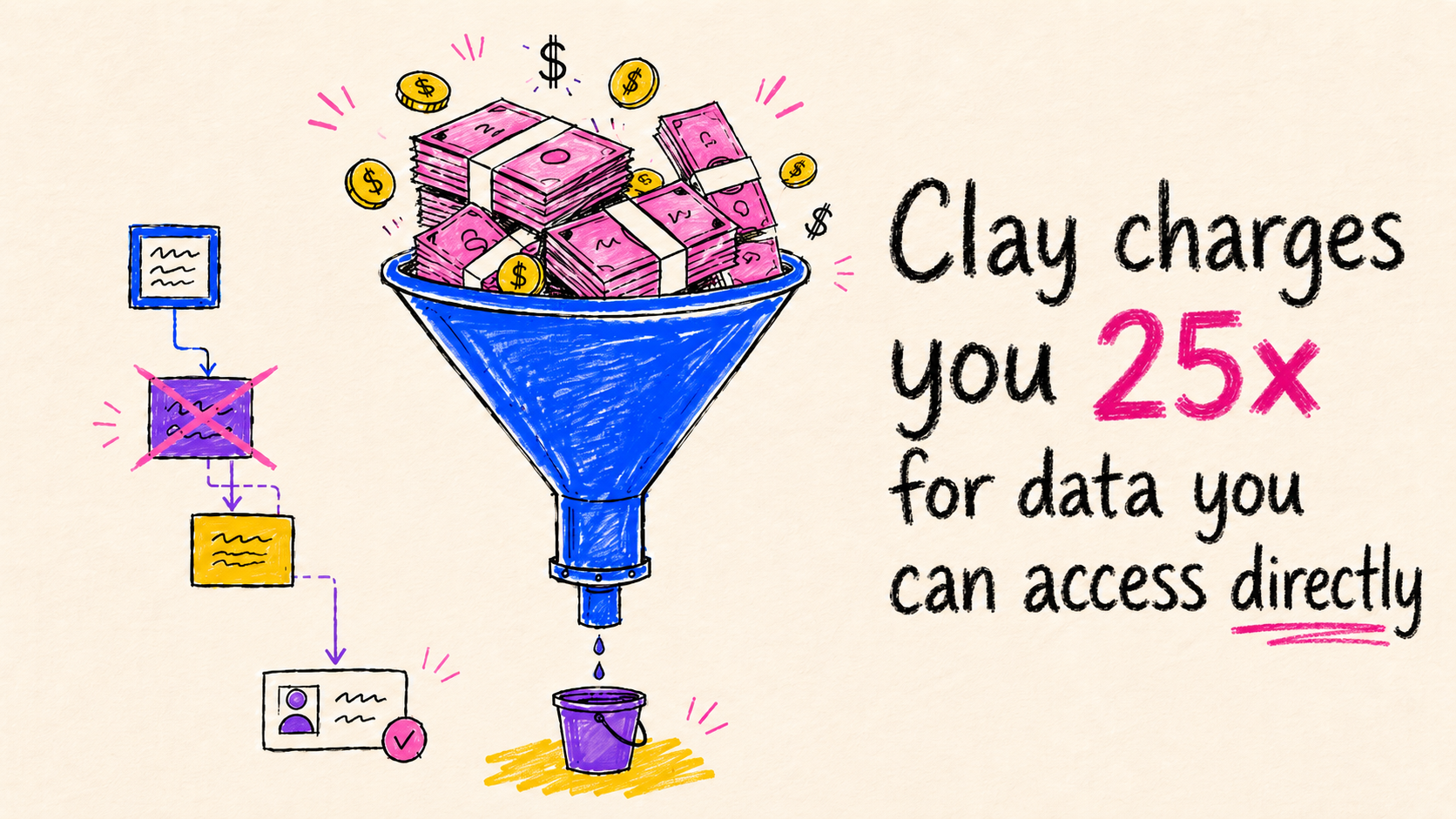
Clay charges you 25x for data you can access directly
Clay sits between you and the actual data providers and charges you retail on wholesale data. Here's exactly what the margin looks like — and how to build the same enrichment waterfall yourself for a fraction of the cost.
I spent an afternoon doing the math on Clay's pricing and came away genuinely surprised. Not because Clay is bad — it's excellent at what it does — but because most people using it have no idea how much of what they're paying is a data margin, not a software fee.
Here's the short version: Clay sits between you and the actual data providers. Every enrichment lookup goes through Clay's system, which buys data wholesale from providers like Apollo, Clearbit, and People Data Labs, then sells it back to you at retail. The spread is their business model. And at any meaningful volume, it's enormous.
This article breaks down exactly what that margin looks like, when it matters, and how to build the same waterfall logic yourself in n8n for a fraction of the cost.
What Clay actually charges for data
Clay uses a credit system. On the Growth plan ($495/month after the March 2026 pricing overhaul), each credit costs roughly $0.05 to $0.08 depending on how you consume them. Here's what that means compared to going to the source directly:
| Provider | Clay credit cost | Direct API cost | Markup |
|---|---|---|---|
| Apollo | 2–4 credits/contact | $0.01–0.03 | 3–5x |
| Clearbit | 3–6 credits/contact | $0.05–0.10 | 2–4x |
| Hunter.io | 2–3 credits/contact | $0.01–0.02 | 3–6x |
| People Data Labs | 4–8 credits/contact | $0.005–0.02 (bulk) | 4–10x |
| LinkedIn via scraping | 5–10 credits/contact | ~$0.002–0.005 via Apify | 5–15x |
People Data Labs is the most dramatic example. At bulk pricing, PDL data costs less than half a cent per record. Through Clay you're paying 4 to 10 times that, plus the base subscription on top.
The waterfall problem makes it worse
Clay's core pitch is the enrichment waterfall: if Apollo doesn't find an email, it tries Hunter. If Hunter fails, it tries Findymail. And so on across 150+ providers until it gets a match or runs out of options.
This is genuinely useful. Higher match rates mean more usable contacts.
But here's what most people miss: you pay for every failed lookup, not just successful ones.
Say you're running a 5-provider waterfall on a list where 30% of contacts have hard-to-find data. For those contacts, Clay attempts all 5 providers and charges you for each attempt, returning nothing useful. On a list of 10,000 contacts, that's 3,000 contacts burning 5 credits each — 15,000 credits spent on zero results.
At Growth plan credit rates, that's roughly $750 to $1,200 in pure waste per month. The same failure scenario in a DIY stack costs you about $25 to $50, because direct API calls from providers like Hunter cost a cent or less per attempt.
The real cost at scale
Here's what the numbers look like at 10,000 contacts per month with a typical 5-step enrichment workflow and a 25% lookup failure rate:
| Clay | DIY direct APIs | |
|---|---|---|
| Successful lookups (7,500) | ~$6,000 | ~$150–300 |
| Failed lookups (2,500 × 5 attempts) | ~$2,500 | ~$25–50 |
| Base subscription | $495 | $0 |
| Total monthly | ~$9,000 | ~$175–350 |
That's roughly 25 to 40 times more expensive for the same underlying data. At 2,000 contacts per month the gap is smaller but still significant: Clay runs roughly $1,500 to $2,500 versus a DIY stack at $350 to $500.
When Clay's margin is worth paying
Before I show you how to build the alternative, I want to be clear about when Clay makes sense.
Under 500 contacts per month. The engineering time to build and maintain a DIY waterfall exceeds the cost savings at low volumes. Clay's convenience is genuinely worth the premium here.
No technical resource available. If you can't write a basic n8n workflow or don't have someone who can, Clay is the right call. The margin you're paying is essentially the cost of not needing to build anything.
You need Claygent. Clay's AI web research agent is legitimately hard to replicate. It browses websites, reads LinkedIn profiles, and writes research summaries per contact in a way that takes real effort to rebuild. If this is a core part of your workflow, factor that in.
Speed matters more than cost. Clay is live in hours. The DIY version takes weeks.
If none of those apply to you and you're running 1,000+ contacts per month, keep reading.
Building the waterfall in n8n
The logic isn't complicated. Here's what a 3-provider email enrichment waterfall looks like:
n8n waterfall logic
In n8n this is an IF node after each API call checking whether the response contains a valid email. If yes, route to the write step. If no, route to the next provider. The whole thing takes maybe two hours to build if you've used n8n before, or you can prompt Claude to write the workflow JSON for you and import it directly.
Here's the IF node condition for the Apollo step:
// IF node condition — Apollo email check
{{ $json.person.email !== null && $json.person.email !== "" }}

// Route: true  → Write to Airtable
// Route: false → Hunter.io HTTP Request node
Repeat the same pattern for each provider. The fail branch of the last provider writes a status field of unresolvable to Airtable so you know which contacts to deprioritise.
The full stack
Here's what I'd use for a clean, maintainable outbound enrichment stack:
-
Orchestration
n8n (self-hosted)Runs the waterfall logic, API calls, and all the routing. Self-host on a €6/month Hetzner VPS or use the cloud plan if you don't want to manage infrastructure.€0 self-hosted · €20/month cloud
-
Sourcing
Apollo.io BasicLead sourcing and first-pass email enrichment. Export your ICP list, drop it into Airtable, trigger the workflow. Solid database for most B2B use cases.€99/month
-
Enrichment
Hunter.io + FindymailHunter for the first fallback pass, Findymail as the second. Findymail is unusually good for founder and executive emails that others miss.€34–49/month + €49/month
-
Enrichment
ApifyPre-built scrapers for LinkedIn profiles, company websites, Google Maps. Feeds directly into n8n via webhook or REST. Use for the web research layer.€49/month
-
AI
Claude APIFor each contact, pass the enriched data into a prompt that writes a personalised first line or research summary.€30–100/month depending on volume
-
Storage
Airtable ProActs as both input (contact list) and output (enriched records). Keeps everything visible without touching a database directly.€20/month
-
Sequencer
Instantlyn8n pushes enriched contacts to Instantly via API once enrichment is complete and quality checks pass. Good deliverability, straightforward API.€97/month
What you give up
Match rate. Clay's 150+ provider waterfall with smart fallback logic genuinely outperforms a 3–5 provider DIY stack. You're probably looking at 78–82% match rate versus Clay's 85–90%. At 10,000 contacts that's 300–700 contacts with no email found. Whether that gap matters depends on your list quality and ICP.
Maintenance. Clay handles provider outages, API changes, and rate limit management invisibly. In your DIY stack, when Hunter changes their API or Apify breaks a scraper, you fix it. Budget a few hours per month for this.
Claygent. Genuinely hard to replicate at the same quality. If AI web research per contact is central to your workflow, factor this in separately before deciding.
The part most people skip
The data markup is real and it matters at scale. But the more important insight is this: once you're going direct to providers, you can also start making smarter decisions about which providers to use for which ICPs.
Apollo is strong for US tech companies. PDL is better for European contacts. Findymail is unusually good for founder and executive emails that others miss. Clay abstracts all of this into one credit pool, which means you're paying their blended rate regardless of which provider actually works for your specific list.
Going direct forces you to think about data quality by source, which makes your whole operation smarter over time.
What to build first
If you're currently on Clay and considering the switch, don't rebuild everything at once. Pick one workflow, mirror it in n8n against direct APIs for one month, and compare match rates and costs on the same list. The data will tell you whether the switch makes sense for your volume and use case.
If you're not on Clay yet and starting from scratch, the DIY stack is almost always the right call until you hit a volume or complexity threshold where Clay's waterfall coverage genuinely changes your match rate in ways that affect pipeline.
All pricing figures are approximate and were current as of May 2026. API pricing changes frequently — check each provider's current rate card before building.
Next up: the exact Claude prompts I use to write personalised first lines at scale, with real examples and cost-per-contact breakdown.