The Smallest AI Workflow Automation That Changed How I Work
Most AI adoption advice tells you to think big. Here's the case for starting tiny — with one repetitive annoyance like screenshots — and why it works.
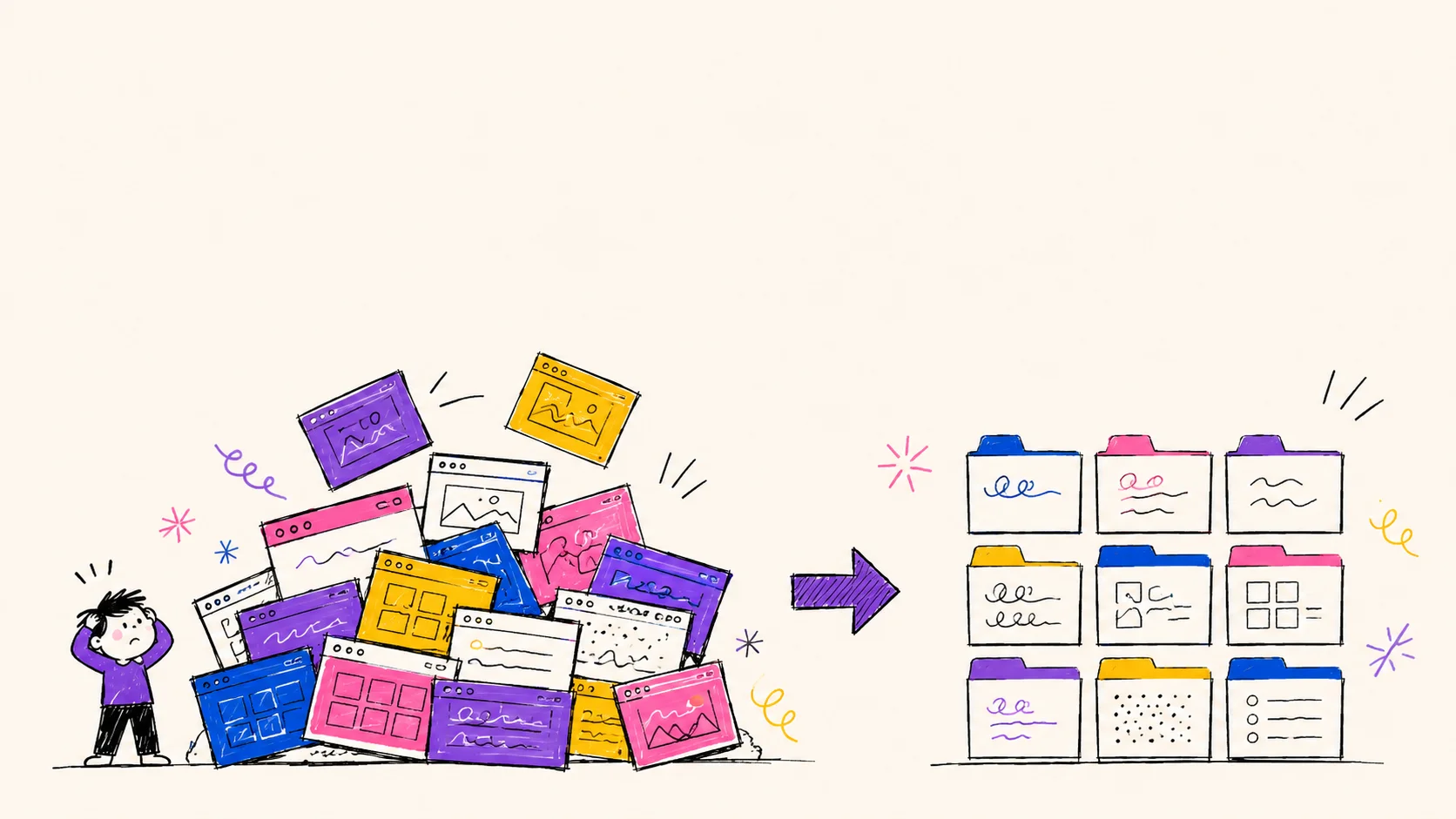
Most people picture AI workflow automation as something massive: enterprise dashboards, complex agents, company-wide transformation projects, teams of engineers rebuilding operations from scratch.
Mine started with screenshots.
And honestly, that's probably a better place for most people to begin.
The Real Problem Wasn't Screenshots
Every day, I collect information constantly: GTM ideas, workflow inspiration, AI prompts, competitor teardowns, research charts, website inspiration, product screenshots, visuals generated in ChatGPT, and random ideas I want to revisit later.
Over time, this became a kind of personal knowledge hub. But there was one incredibly boring problem: my files were a disaster.
The everyday reality looked like this:
- Hundreds of screenshots piling up on my desktop
- Terrible filenames like
Screenshot 2026-05-16 at 00.22.42.png - Duplicate images everywhere — no way to know what was what
- Giant PNG files bloating storage and slowing uploads
- Constant manual renaming before every upload or share
- Messy upload workflows interrupted by file prep every time
While this sounds trivial, it created a surprising amount of friction. Every screenshot interrupted my flow. Instead of staying focused on research, writing, or strategy, I suddenly became a file organizer, a compression tool, a naming system, and a folder manager.
Tiny interruptions compound fast — especially when they happen 50+ times a day.
That's where AI-powered workflow automation becomes genuinely useful. Not by replacing your work, but by removing the invisible friction surrounding it.
Stop Thinking About "AI Projects"
One thing many people misunderstand about AI adoption: you don't need to start with autonomous agents, enterprise AI roadmaps, massive system redesigns, or complicated no-code stacks.
The best workflows often begin with one repetitive annoyance — one tiny bottleneck, one task you unconsciously hate doing.
For me, that task was dealing with images. So instead of trying to "build an AI system," I asked a much smaller question:
Can screenshots organize themselves?
That question ended up evolving into a surprisingly powerful three-layer workflow.
The Workflow: Three Layers
Layer 1 — Auto-detect and organize
Using ChatGPT as a teacher, I learned how to use macOS Folder Actions, AppleScript, and simple automation triggers.
The first piece was extremely basic:
- Detect when a new screenshot or image appears
- Automatically move it into a dedicated folder
That alone already changed how I worked. Instead of screenshots flooding my desktop, they instantly moved into a structured system. No manual dragging. No cleanup sessions. No visual chaos.
Small automations create disproportionate psychological relief. That's the first thing you notice.
Layer 2 — Auto-convert to WebP
Screenshots and AI-generated visuals are usually .png — large, slow to upload, and inefficient for the web.
Since I upload a lot of visuals to websites and knowledge systems, this mattered. So I added a second layer.
Now, whenever a new image appeared, the workflow:
- Detected it in the monitored folder
- Converted it to
.webpusing a Python script - Compressed the file size by 60–80%
- Preserved visual quality — indistinguishable from the original
The results were immediate: faster uploads, better website performance, lower storage costs, better SEO scores. The important part wasn't the format itself. It was the principle. I stopped manually preparing assets. The system prepared them for me.
Layer 3 — AI-powered naming (with SEO intent)
This is where things became genuinely interesting — and significantly more useful than I expected.
I connected the workflow to the Gemini API. Instead of meaningless filenames, the AI analyzed each image and generated semantic filenames automatically.
But here's the part most people don't realise: you can give the model specific instructions. This is where naming becomes a real SEO tool.
"Rename this image with keywords relevant to B2B SaaS GTM strategy."
Every file becomes searchable, structured, and SEO-ready the moment it lands in the folder — without touching it once.
The difference feels subtle until you experience it. Once every file is automatically compressed, renamed with relevant keywords, and organized, you stop thinking about file management entirely.
That's the real value of automation: it removes entire categories of thought.
Then I Applied the Same Logic Somewhere Else
This is when workflow automation becomes addictive. Once you automate one friction point, you start seeing repetitive systems everywhere.
I had another highly repetitive process: generating visuals in ChatGPT, downloading them manually, converting them, renaming them, and preparing them for upload. Five manual steps. Repeated constantly.
So I reused the same architecture — drop the file, let the system do the rest:
What used to take multiple manual steps became invisible, instant, and automated.
That's when I understood something important: AI workflows aren't about complexity. They're about removing unnecessary decisions.
What AI Adoption Actually Looks Like
Most companies talk about AI in abstract terms: transformation, disruption, automation strategy, AI readiness.
But real adoption usually starts much smaller. It starts with:
- Reducing friction in tasks you repeat without thinking
- Eliminating repetitive micro-tasks that cost 30 seconds but happen 50 times a day
- Compressing operational overhead — the invisible work around the real work
- Reclaiming cognitive bandwidth so your brain is free for decisions that actually matter
The future of work is probably not one giant AI system. It's hundreds of tiny automations quietly removing friction everywhere — and their combined effect becomes enormous.
The Most Surprising Part: I Barely Knew How to Build This
I'm not a software engineer. I used ChatGPT as a teacher, a debugging assistant, a systems architect, and a workflow collaborator. It helped me understand Folder Actions, troubleshoot Terminal errors, fix Python scripts, connect APIs, and structure automation logic.
This is one of the biggest shifts happening right now. The barrier between "I have an idea" and "I built a working internal system" has collapsed dramatically.
You no longer need years of engineering experience to create useful operational tooling. You mostly need:
- Curiosity — to ask whether something boring could be automated
- Patience — to iterate through errors with AI as your guide
- Willingness to experiment — to try, break things, and fix them
- Awareness of friction — to notice the invisible tax on your time
The Most Valuable AI Skill Right Now Isn't Prompting
It's noticing inefficiency.
Once you start noticing friction, AI becomes a way to systematically remove it. And often, the best place to start is something embarrassingly small.
Like screenshots.
Auto-rename images with AI on Mac.
Drop an image into a folder. Gemini reads it, names it, renames the file. Python script, AppleScript, Folder Actions, Gemini API. Local automation, runs on your Mac.
Open workbook →Auto-rename images with n8n + Gemini.
Same idea, in the cloud. Drop an image into a Google Drive folder. n8n picks it up, Gemini reads it, the file gets a clean descriptive name and lands in a renamed folder.
Open workbook →